
One app for your crew. One for your customers.
Phone apps that make your business run smoother on both sides: your team gets their day, checklists and photos in their pocket, and your customers book, order, pay and get updates without calling. iPhone and Android, built and supported by our team in Greenville, SC, for businesses anywhere.
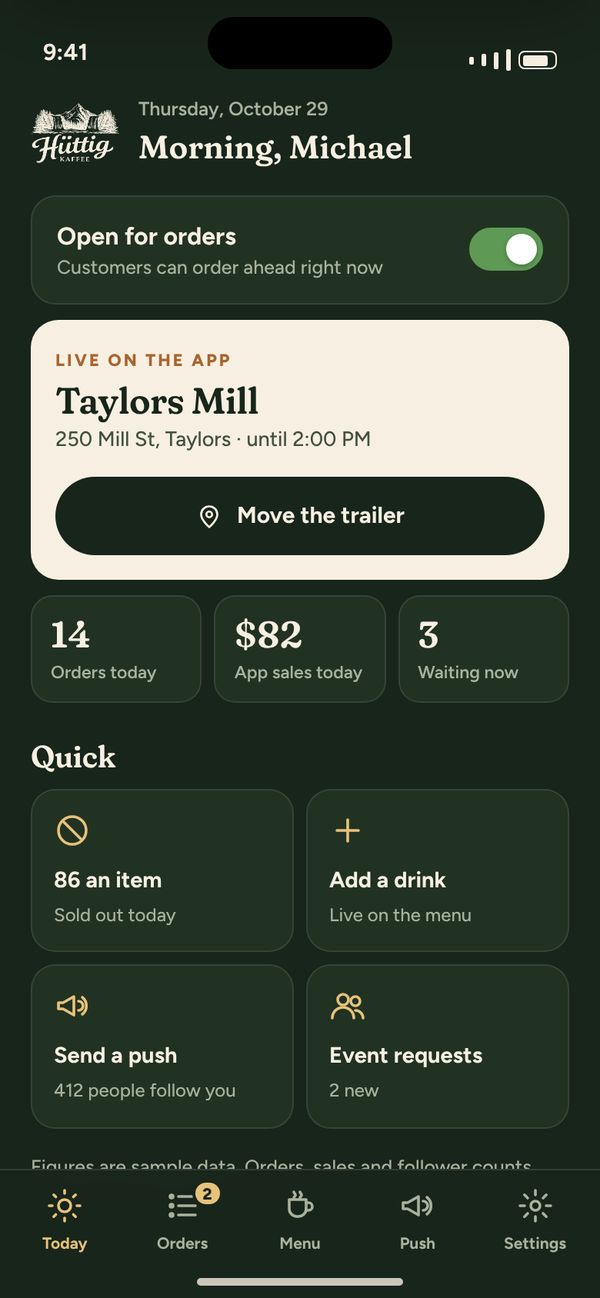
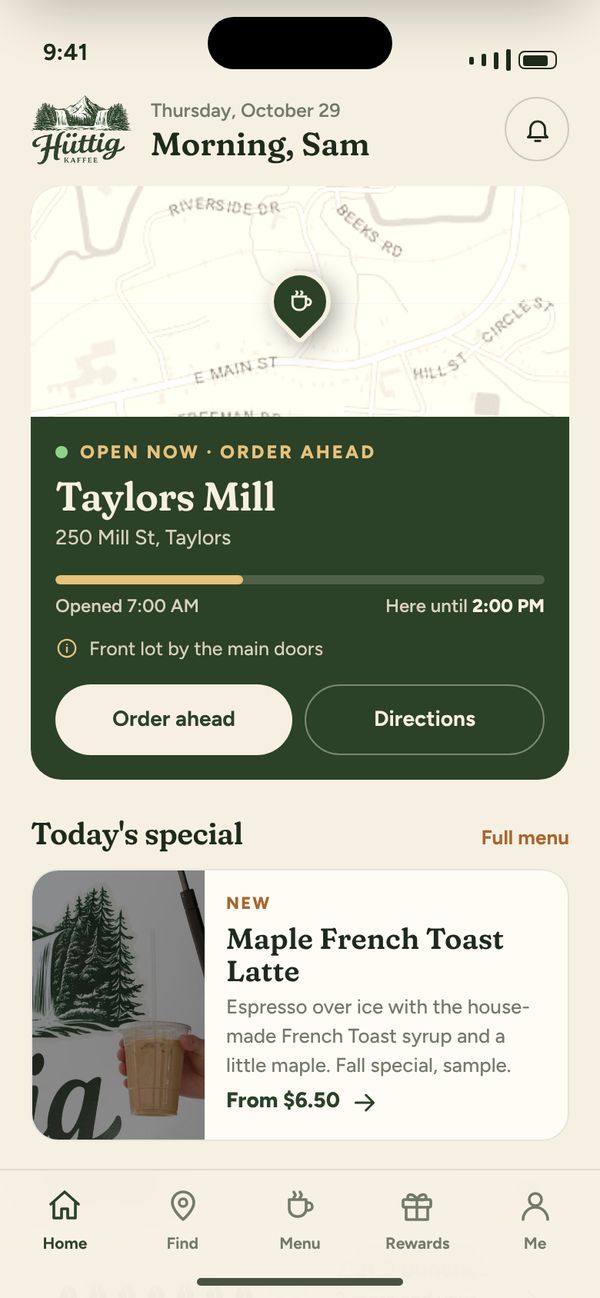
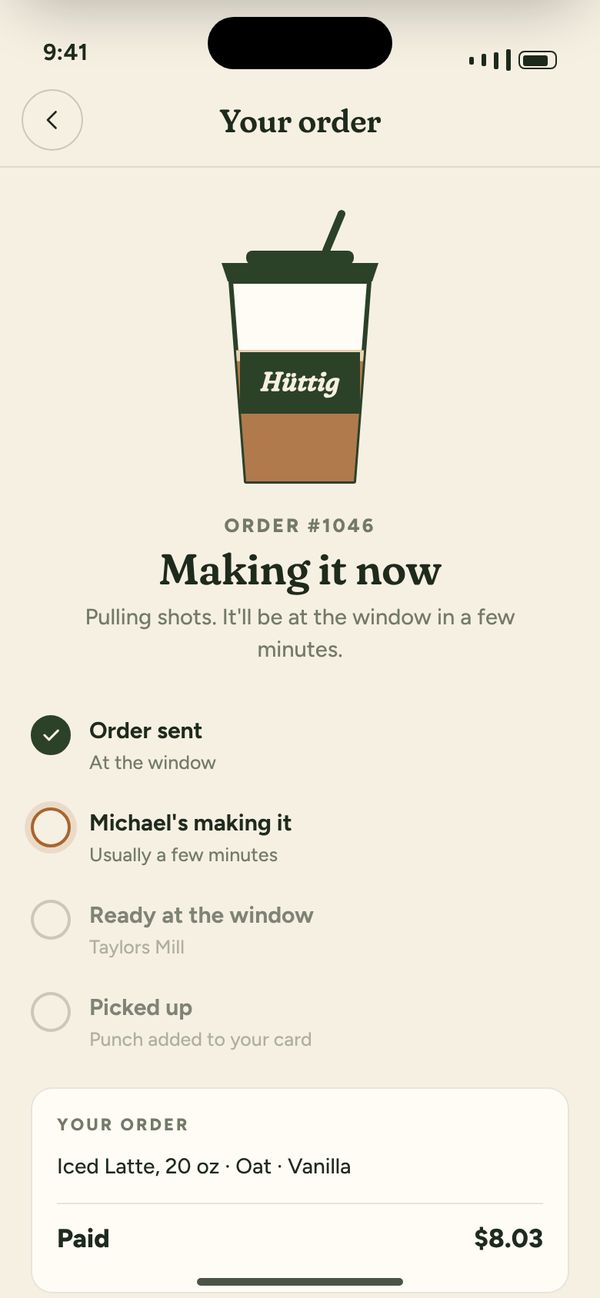
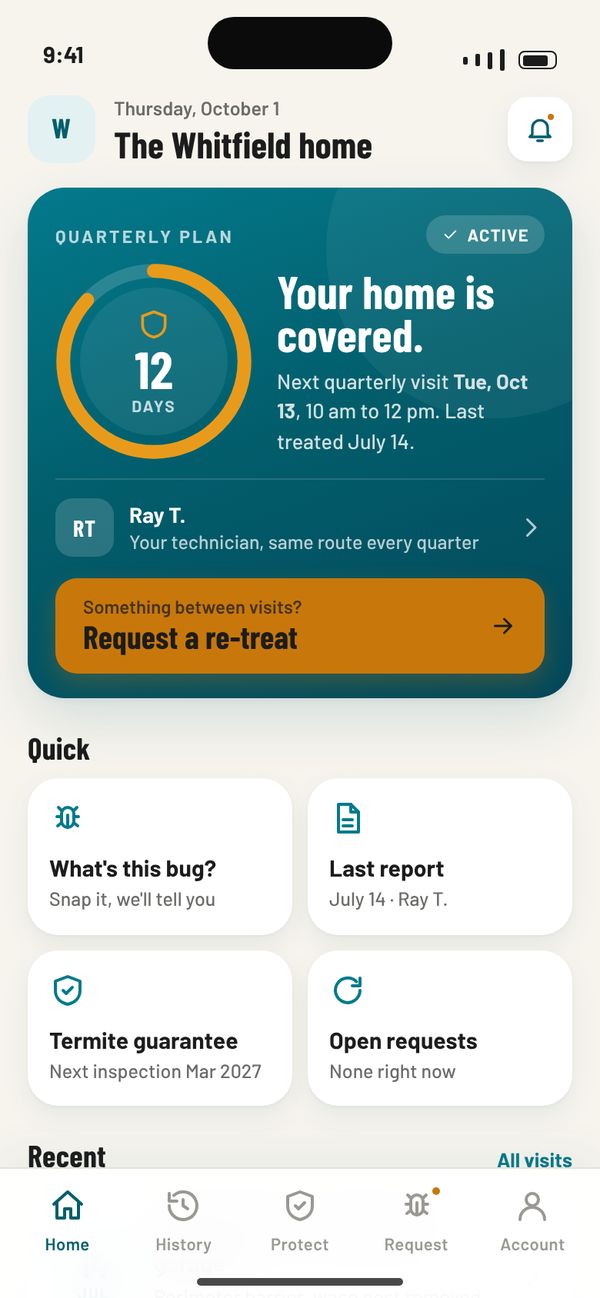
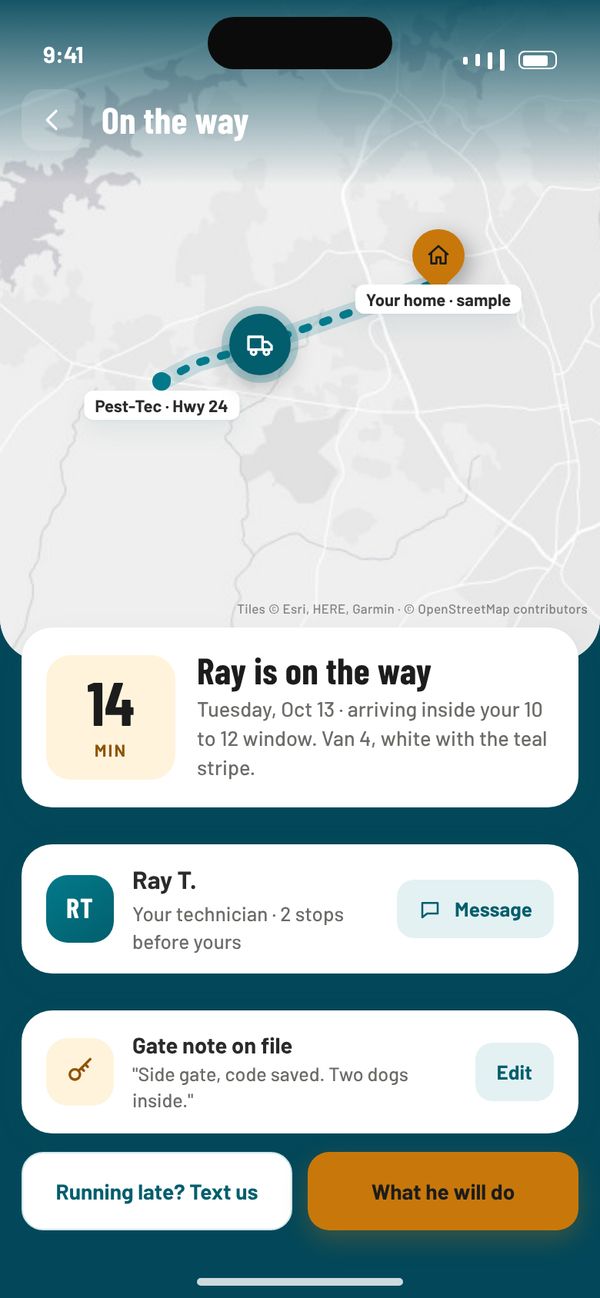
Huttig KaffeeCustomer app in front, the business’s app behind
The phone is already where the work happens.
Your crew is texting the office for addresses. Your customers are calling to ask when you’ll show up. Both are signs the information lives in the wrong place. An app puts it in their hands and sends what they do straight back to your records, so the office stops being the middleman for every question.
Two sides of every app.
Pick a side, then a feature, and see it on a real screen from apps we’ve built.
For crews, techs and owners: less calling the office, fewer missed steps.
An easier way to do business with you, and a spot on their home screen.
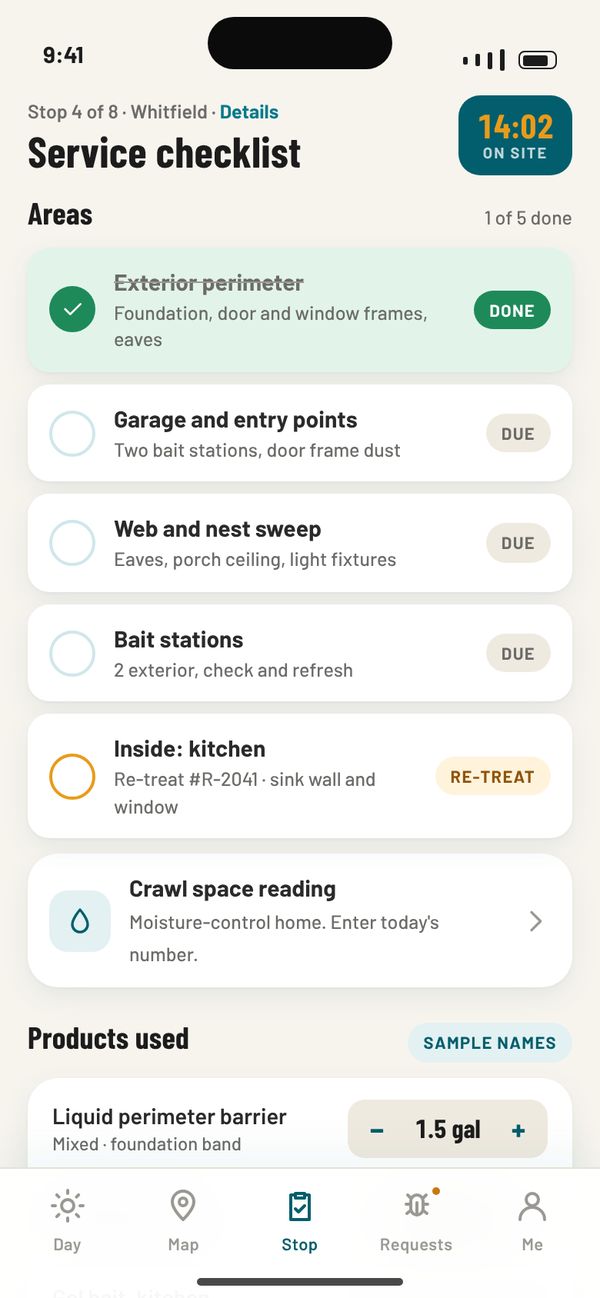
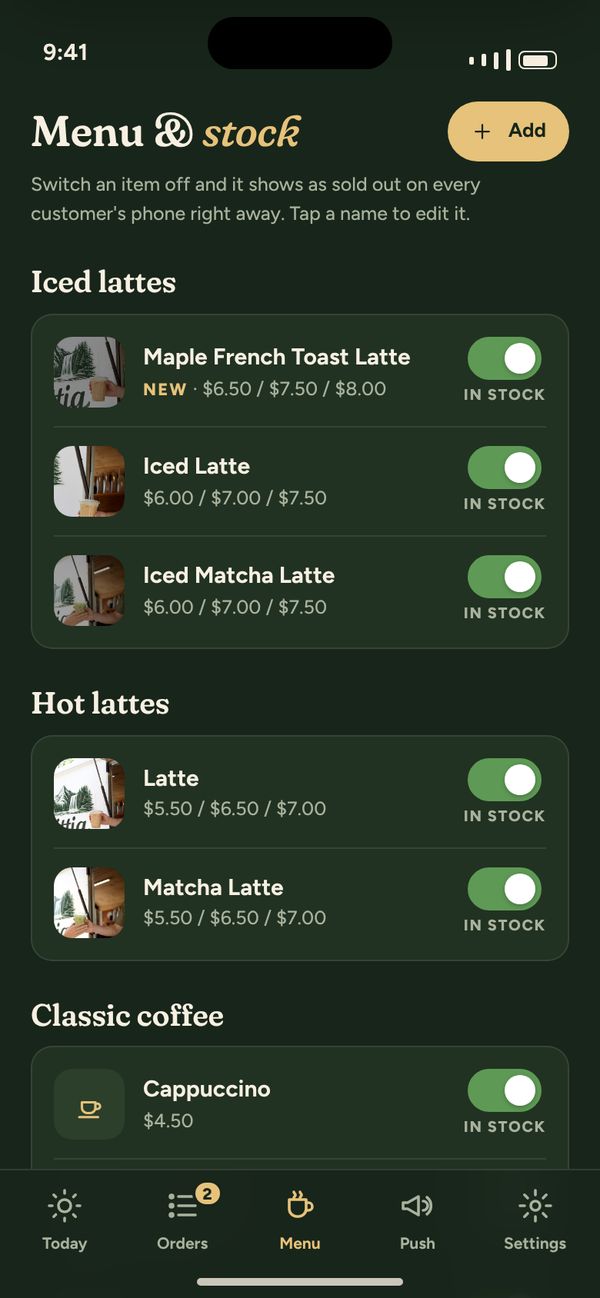
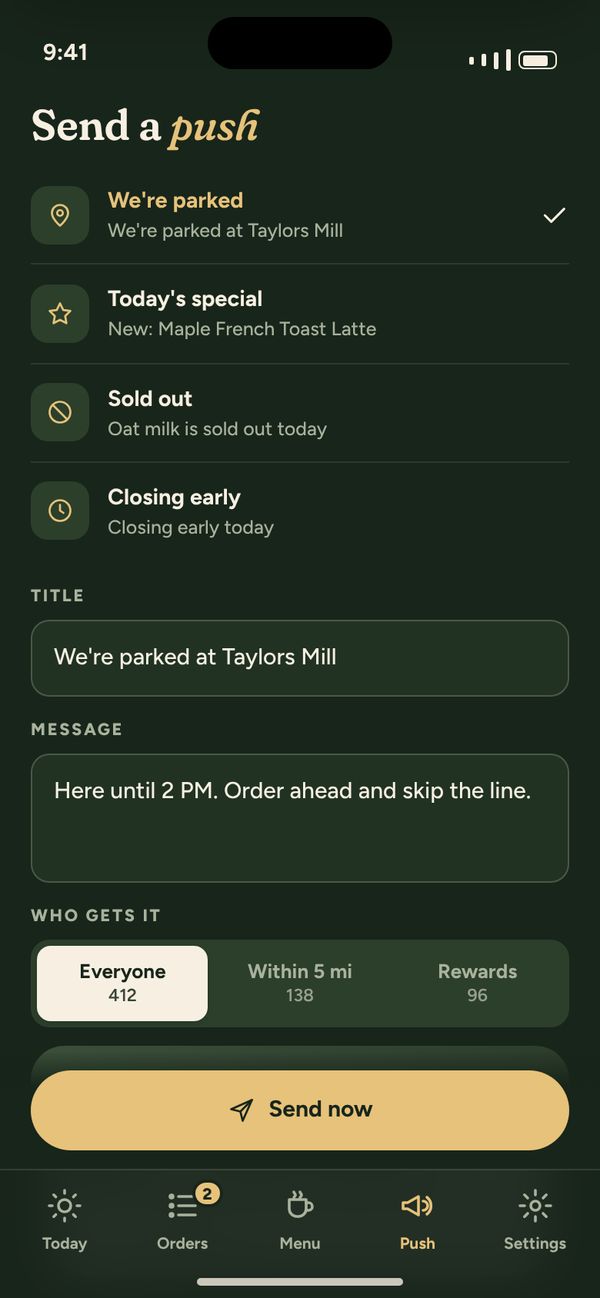
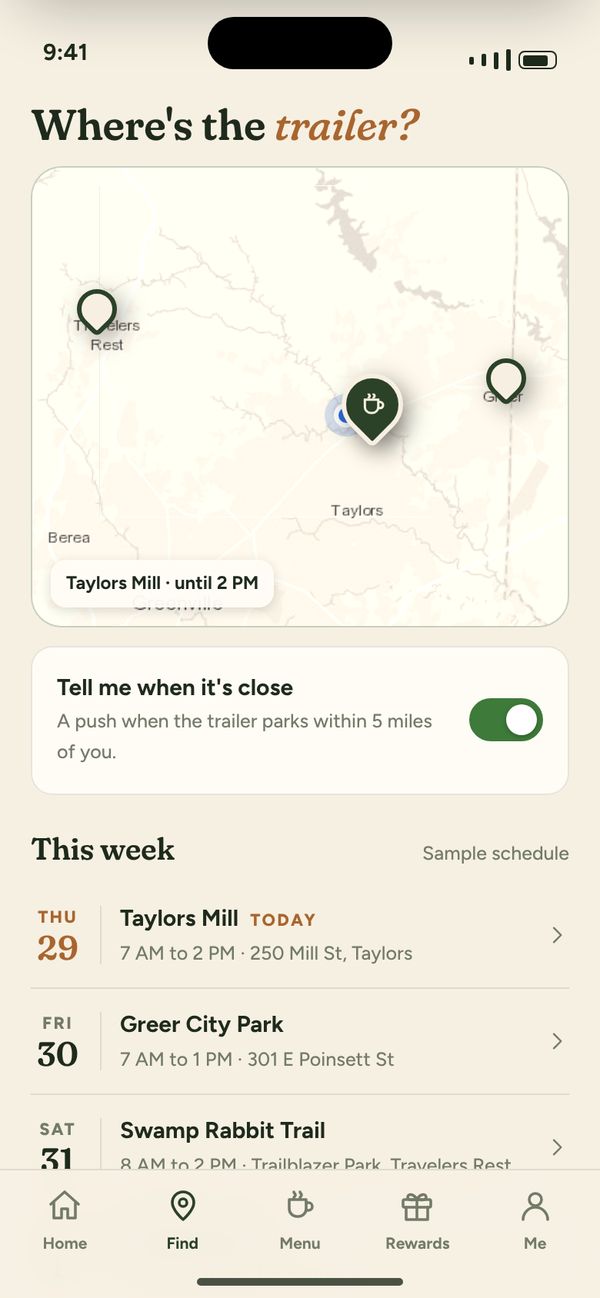
Before the app, and after.
- The crew texts the office for the address and the gate code.It’s on the job in their app.
- Paper forms get typed up at the end of the week.Filled in on the phone, sent before they leave.
- Customers call to ask when you’ll get there.They get an “on the way” notification.
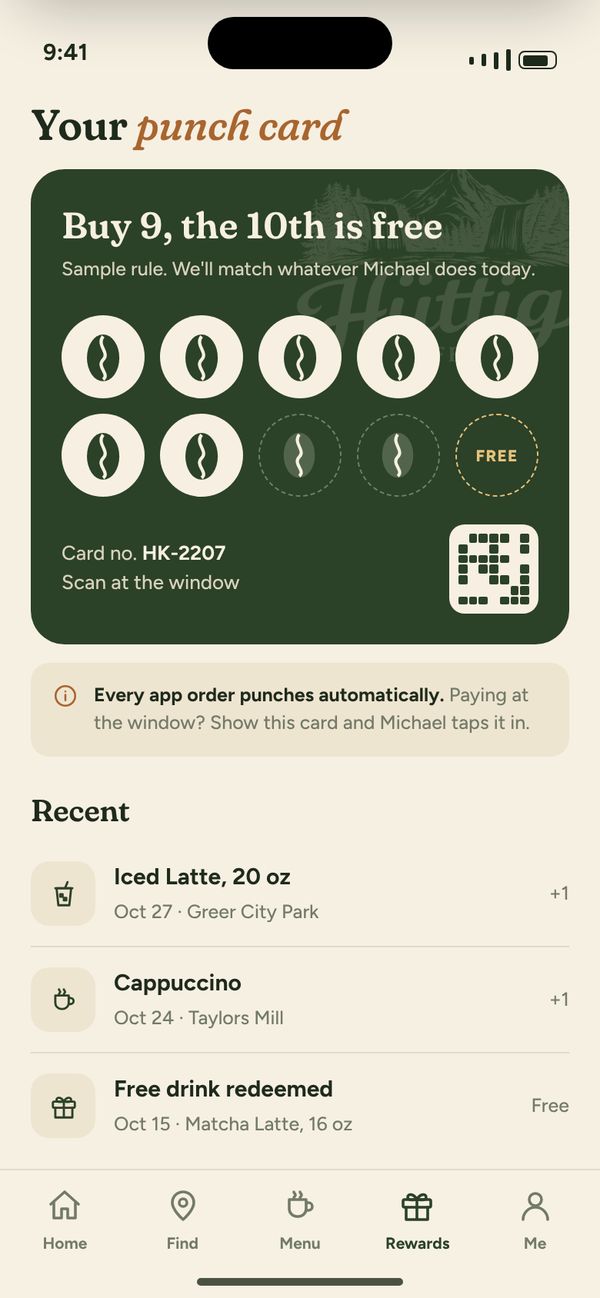
- A paper punch card lost in a wallet.Rewards in the app, scanned at the counter.
- Invoices go out days after the work.Paid on the spot, or from the app that night.
Built to use everything the phone can do.
We build true iPhone and Android apps, not a website squeezed into an app shell, so these work the way people expect.
Both sides of the same app.
These are working prototypes. Tap around, then switch sides to see what the business sees. Sample data throughout.
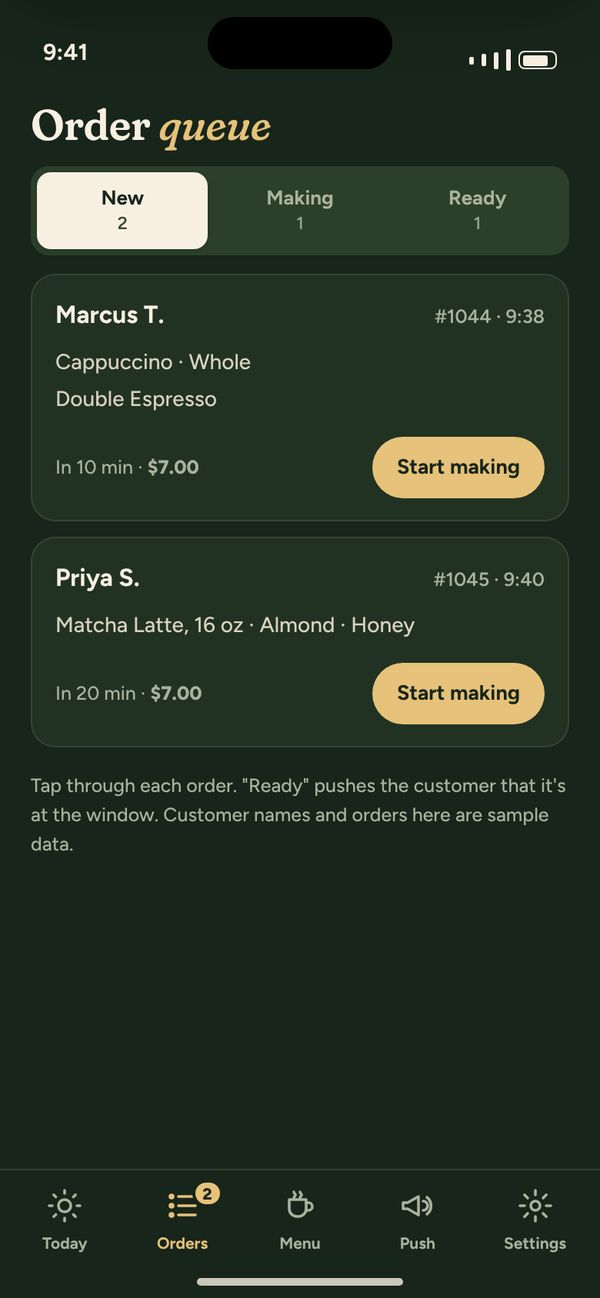
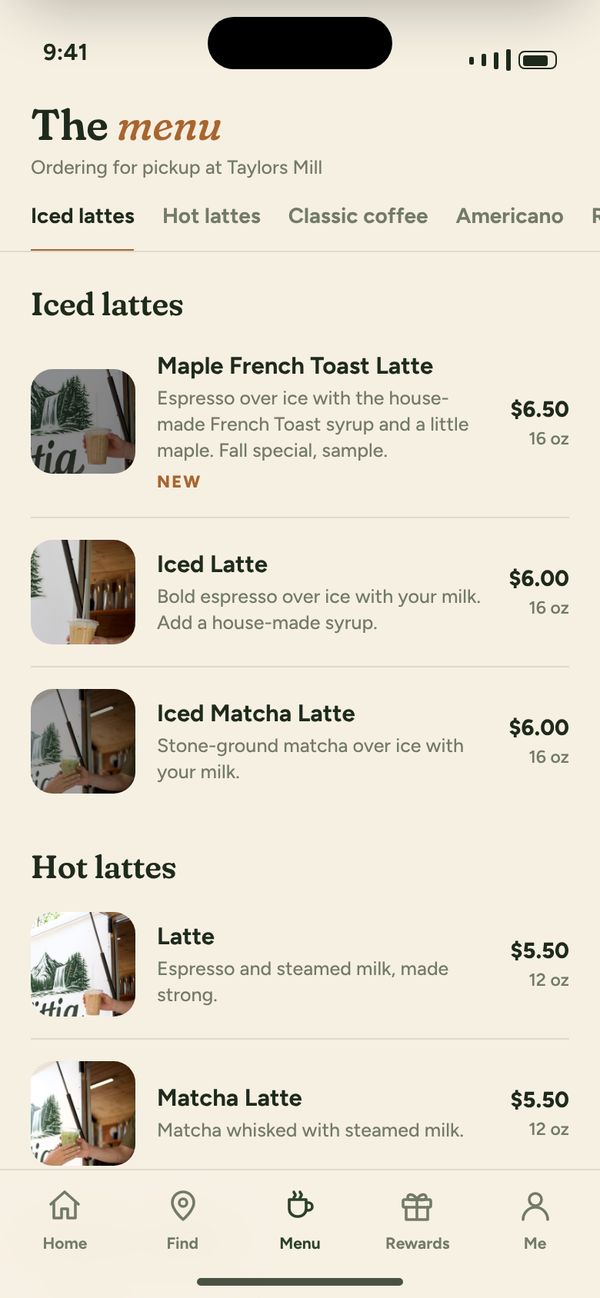
Huttig Kaffee
Customers order ahead, find the trailer and earn rewards. The owner runs the menu, the orders and where the trailer is today.
Try it: order a drink as the customer, then switch to the owner app to see it come in.
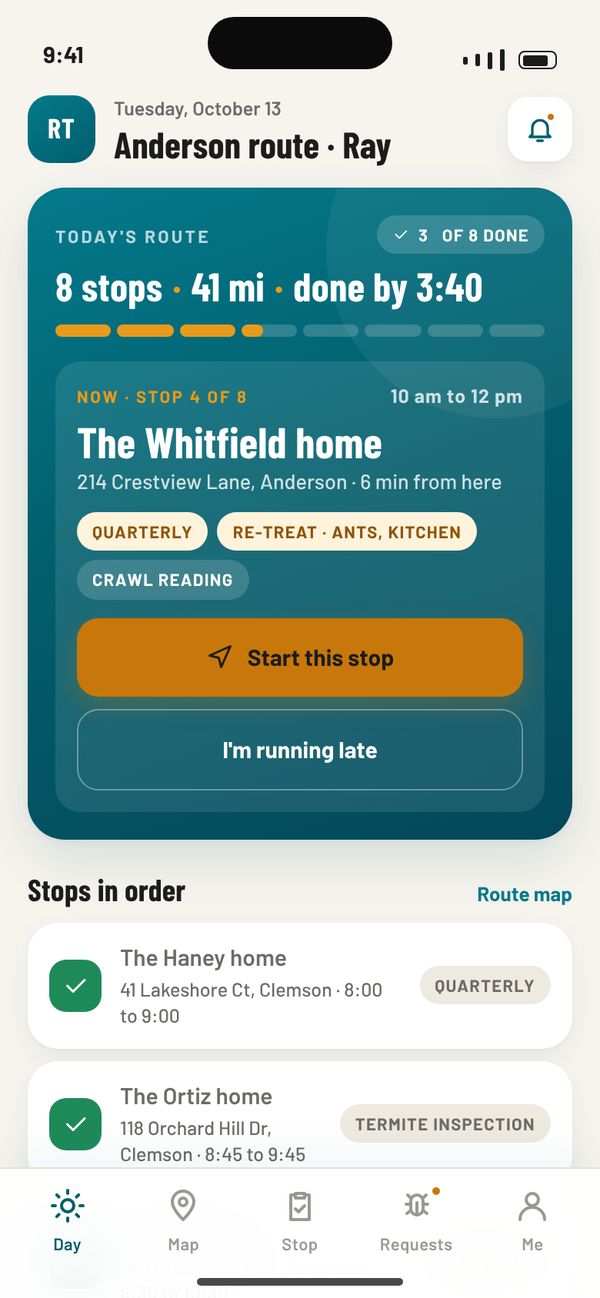
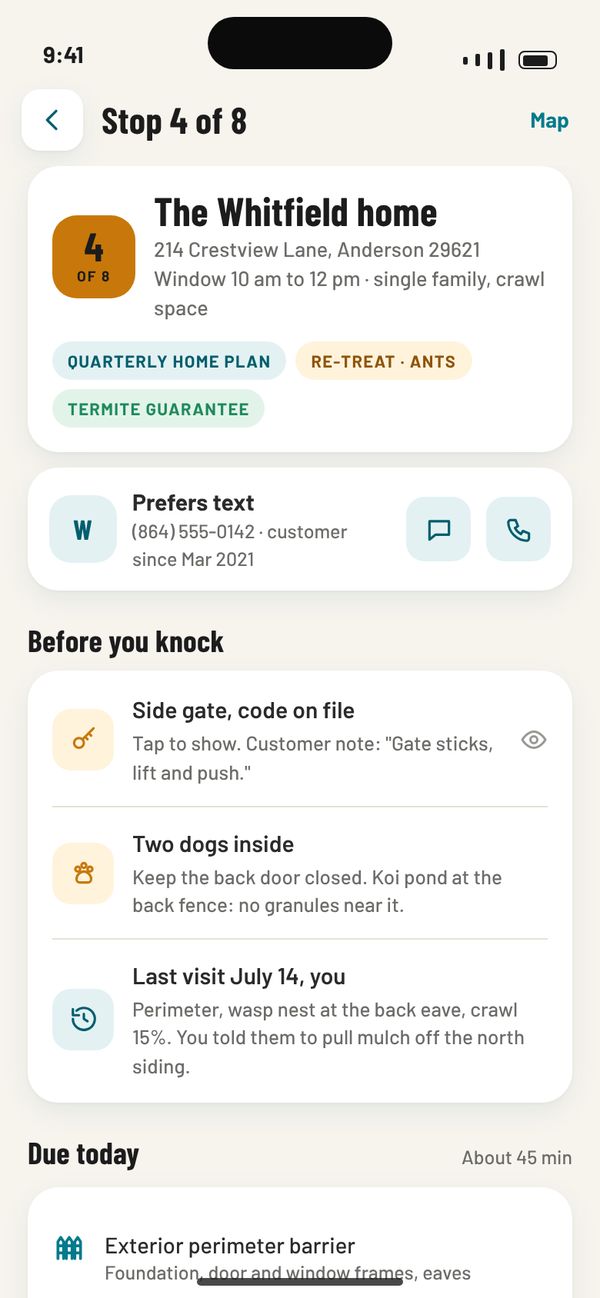
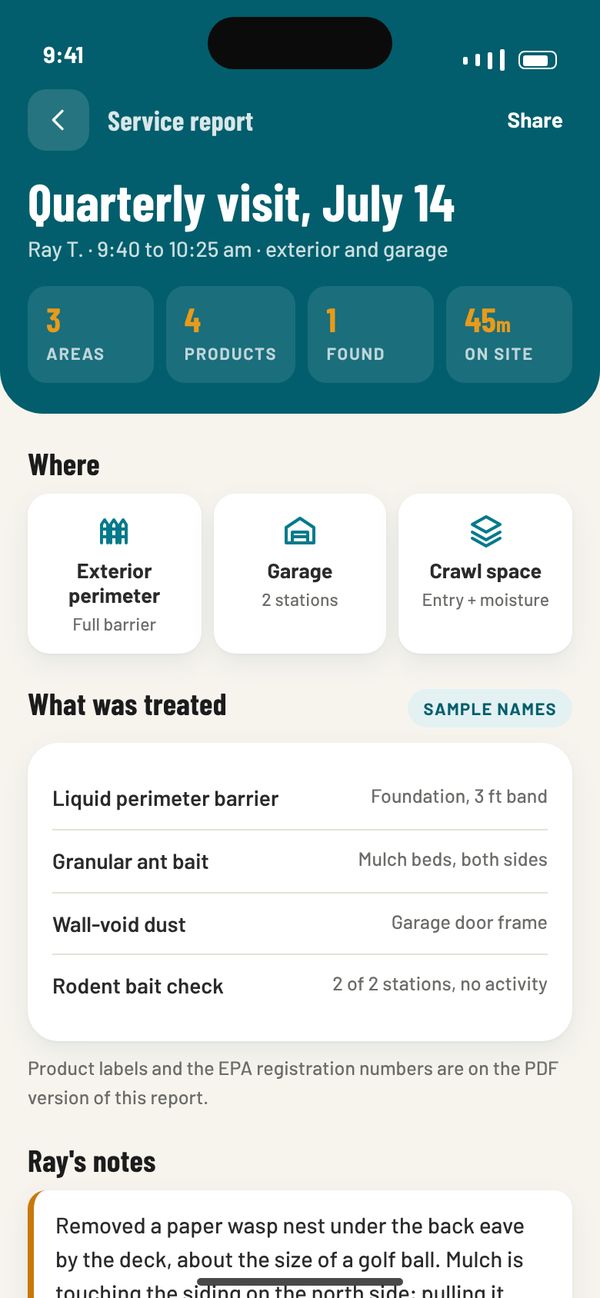
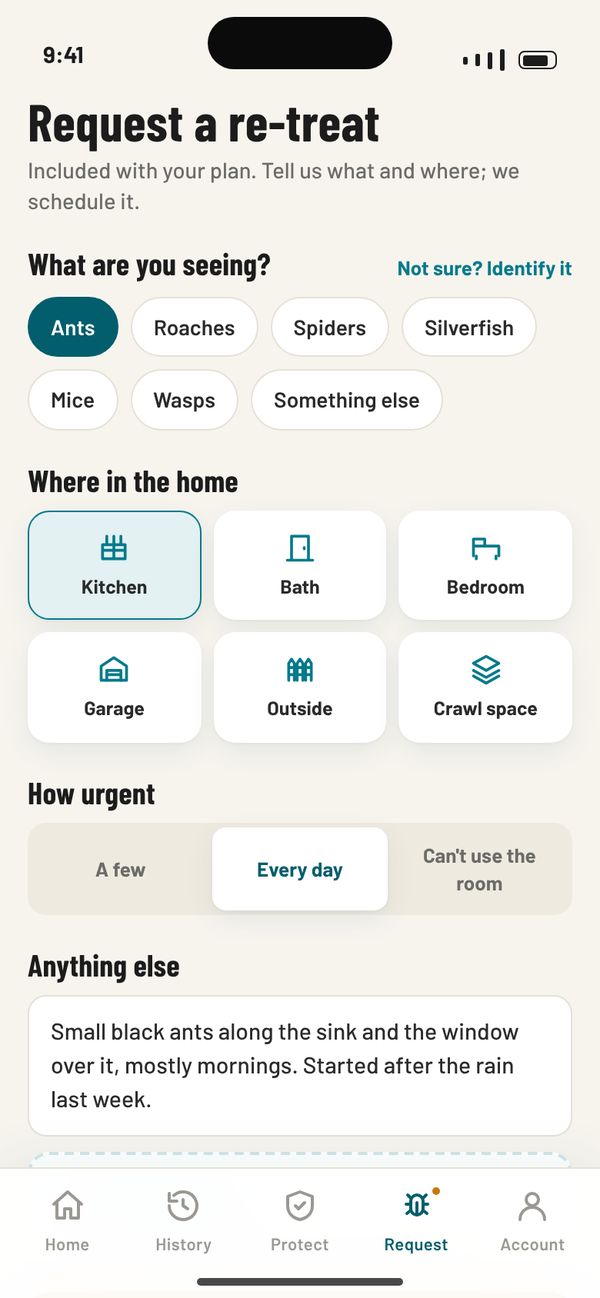
Pest-Tec
Customers see their next visit, the technician on the way and every service report. Technicians get their route, checklists and photos.
Try it: open the next visit or a service report, then switch to the technician’s day.
LASSO: a whole sales system in a rep’s pocket.
LASSO is the field-sales app and office portal we built alongside a commercial mechanical, electrical and plumbing contractor. It finds the buildings worth calling on, plans the route, reads business cards and equipment plates, writes the paperwork from a voice note, and gives managers the whole team in one view. It’s on the App Store, runs in any browser and syncs with Salesforce and Outlook.
The rep’s day
Scanning
Finding leads
The office
And everything around it.
- Deals with photos, sent to a project managerAdd job photos to a deal and send it on in one tap. The quote comes back onto the deal and the rep sends it to the customer.
- Maintenance contract renewalsAlerts at 90, 60 and 30 days before a contract ends, so recurring revenue never lapses quietly.
- A Monday email for the ownersLeadership who never open the app get one branded email each week about the week before.
- Recap my dayOne recording on the drive home becomes separate notes for every company the rep mentioned.
- Outlook and GmailEmails go out from the rep’s own inbox and log themselves. Meetings land on their calendar. Replies show up on the account.
- Salesforce syncCards, accounts and deals go to Salesforce with the company’s required fields checked first, and come back every 15 minutes.
- Public lead dataState licensing, nursing home, apartment and county property records, plus a weekly watch of job boards and bad reviews.
- Territories and door pinsManagers draw territories. Every door knocked is pinned, so nobody knocks a “No soliciting” door twice.
- Imports without duplicatesBring in an existing opportunity list and LASSO checks every row against what is already there.
- Web forms and call trackingA website form or call-tracking service drops a lead straight to a rep, with a notification.
- Works with weak signalWhen the signal drops, the rep still sees everything they had a moment ago.
- Every company its own LASSOIts own address, logo, dropdowns and required fields, with an iPhone app and a web portal.
From idea to the App Store, with you testing all along.
- 1
Scope the first version
Who opens the app, the screens they need, the sign-ins, payments and connections, and a price.
- 2
Test it on your phone
You and your staff install test builds through Apple’s TestFlight and Android testing, and tell us what to change.
- 3
Publish and support
We prepare the store listings, handle Apple and Google review, and keep the app current as phones and store rules change.
Good questions. Clear answers.
Do we need an app, or will a website do?
Can one app serve both our team and our customers?
iPhone, Android or both?
What does an app cost?
Will it work with our scheduling, payments or books?
Whose App Store account is it under?
Tell us who would open the app.
Your crew, your customers or both, and what they need to get done. That’s enough to start scoping.
Need the office side too? CRM & business systems.